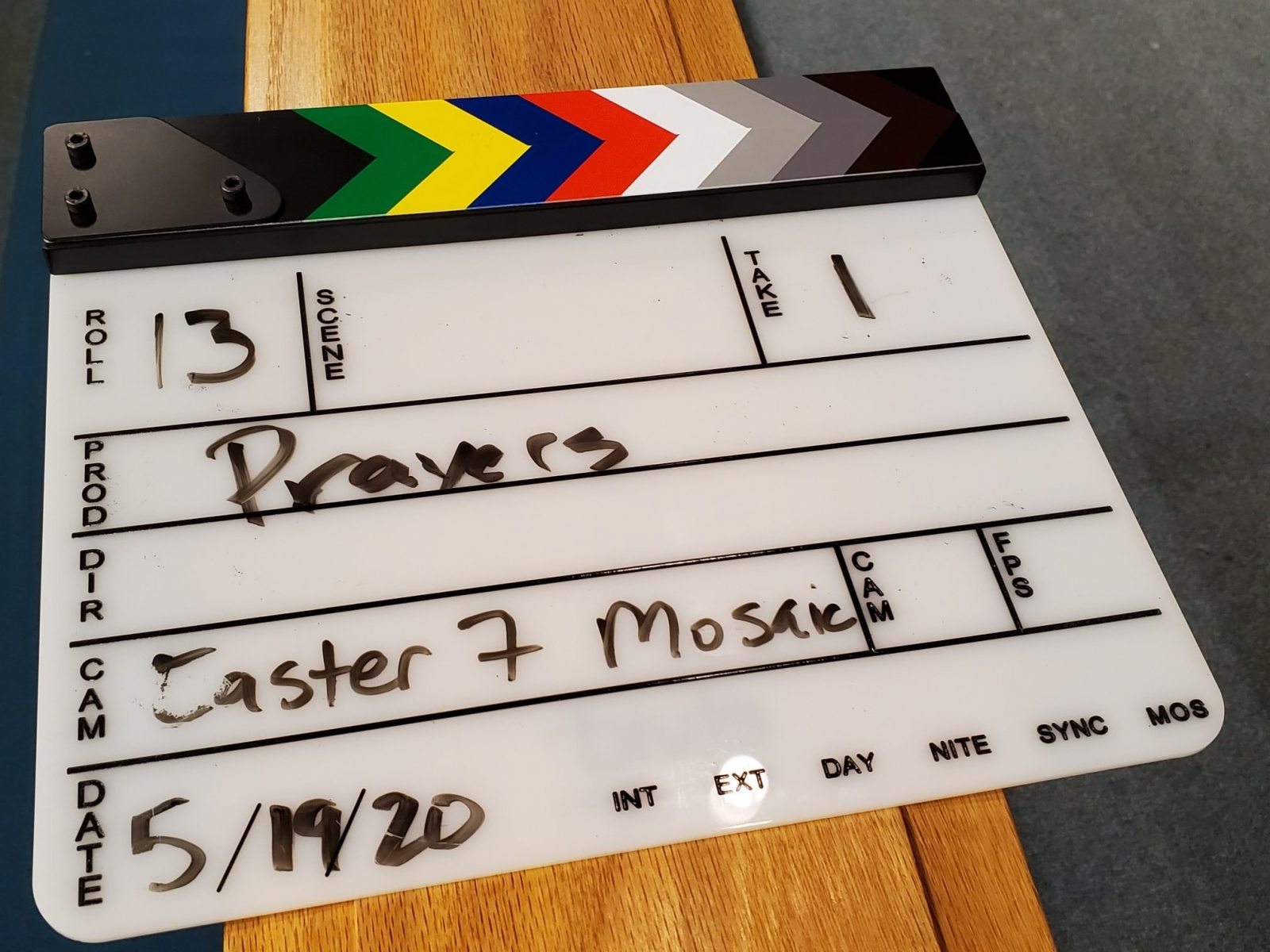
The clap boards are the recording team's attempt to look like they know what they're doing
Image 18 of 21
Below is the Cross of Christ 2021 Annual Report. All documents are accessible using standard screen reader software. In addition, links to download individual reports are listed at the end of this page.
If you would like PDF or DOC copies emailed to you, please email Kristie at kristie@crossofchristbellevue.org.
To scroll through reports with multiple pages, hover your cursor (computer) or tap the image with your finger (mobile device) and look for the arrows at the top of the document.
To scroll through reports with multiple pages, hover your cursor (computer) or tap the image with your finger (mobile device) and look for the arrows at the top of the document.
To scroll through reports with multiple pages, hover your cursor (computer) or tap the image with your finger (mobile device) and look for the arrows at the top of the document.
To scroll through reports with multiple pages, hover your cursor (computer) or tap the image with your finger (mobile device) and look for the arrows at the top of the document.
To scroll through reports with multiple pages, hover your cursor (computer) or tap the image with your finger (mobile device) and look for the arrows at the top of the document.
To scroll through reports with multiple pages, hover your cursor (computer) or tap the image with your finger (mobile device) and look for the arrows at the top of the document.
To scroll through reports with multiple pages, hover your cursor (computer) or tap the image with your finger (mobile device) and look for the arrows at the top of the document.
To scroll through reports with multiple pages, hover your cursor (computer) or tap the image with your finger (mobile device) and look for the arrows at the top of the document.
To scroll through reports with multiple pages, hover your cursor (computer) or tap the image with your finger (mobile device) and look for the arrows at the top of the document.
To scroll through reports with multiple pages, hover your cursor (computer) or tap the image with your finger (mobile device) and look for the arrows at the top of the document.
To scroll through reports with multiple pages, hover your cursor (computer) or tap the image with your finger (mobile device) and look for the arrows at the top of the document.
To scroll through reports with multiple pages, hover your cursor (computer) or tap the image with your finger (mobile device) and look for the arrows at the top of the document.
To scroll through reports with multiple pages, hover your cursor (computer) or tap the image with your finger (mobile device) and look for the arrows at the top of the document.
To scroll through reports with multiple pages, hover your cursor (computer) or tap the image with your finger (mobile device) and look for the arrows at the top of the document.
To scroll through reports with multiple pages, hover your cursor (computer) or tap the image with your finger (mobile device) and look for the arrows at the top of the document.